1. Navigate to Portal User Registration from right side bar.
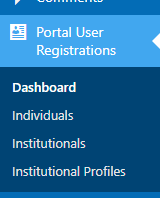
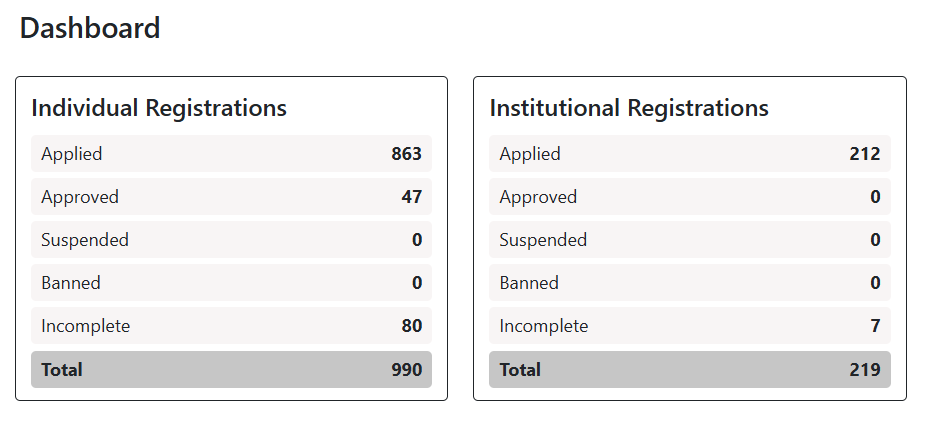
2. To view the total number of users, go to the Dashboard.
3. Click on Individual to see the list of Individual registrations.
4. There, you can view details such as User Name, Email, Status, Applied On, etc.

5. To see more details about a specific user, click the View button.
6. After reviewing the user, if you want to Approve, Suspend, or Ban the account, click the Select button to display these options.
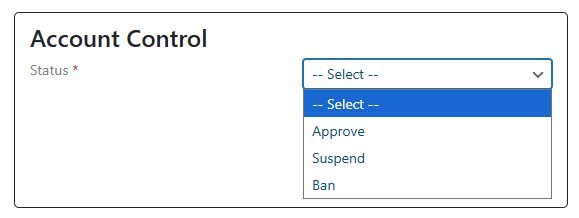
7. Choose the desired option and click the Update button.
Follow the same steps for Institutional Registrations as well.