To add (ie, Post, Announcement, Stories, Thematic Working Groups, Governances)
1. Login to the dashboard.
2. Navigate to Post and click on Add Post

3. Enter the Post Title and a description

4. To add images, click on the “+” icon to open the widgets panel, then select and insert the image widget.
5. Add the Featured Image from the top right section.
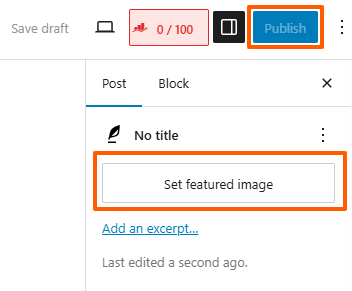
6. Click the Publish button to make the post live.