1. Navigate to Member Directory from right side bar.
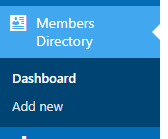
2. To add a new member, click the Add New button.
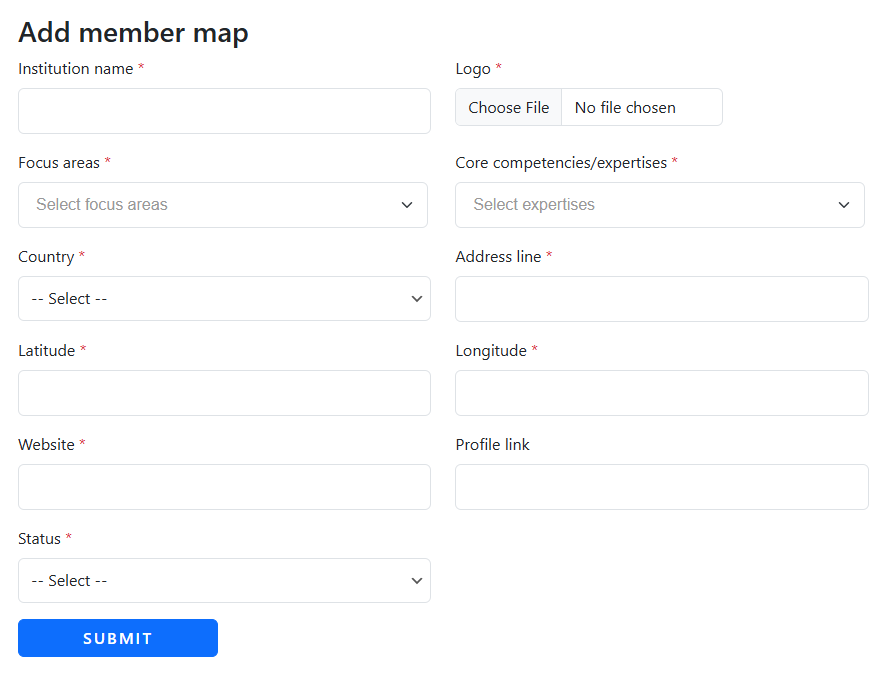
3. Enter the required member details and click Submit.
5. After submission, the new member will appear in the list.
6. To edit an existing member, go to the Member Directory Dashboard.

7. Click the Edit button next to the member you want to update.
8. Make the necessary changes and click Submit to save them.