1. Navigate to Media Galleries and click on “Add New Media Gallery”.
2. Enter the Post Title and a description

3. Scroll down to locate the Media Gallery Meta section.
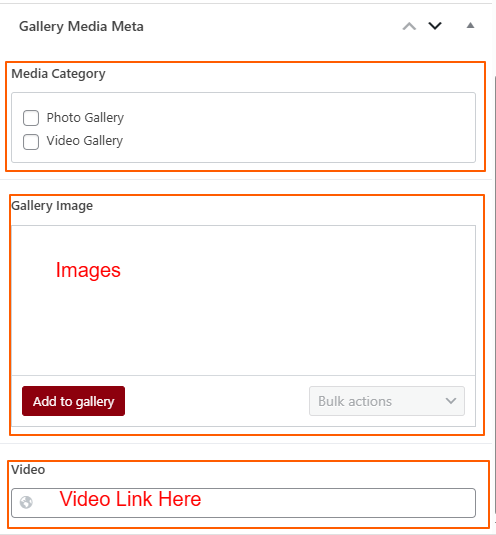
4. Choose the appropriate Category.
5. If it is a Photo Gallery, click on the Add to Gallery button and select images from the Media Library.
6. If it is a Video Gallery, enter the video link in the Video field.
7. Add the Featured Image from the top right section.
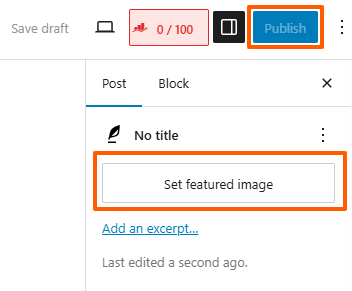
8. Click the Publish button to make the it live.