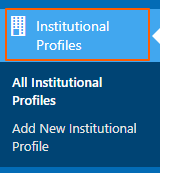
1. Navigate to Institutional profiles from right side bar.
2. To add new member locate Graphic Era University (Deemed to be University)
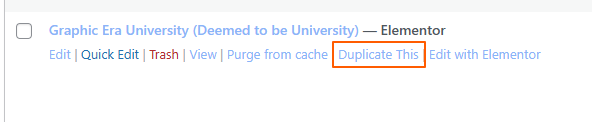
3. Hover on Graphic Era University (Deemed to be University) and click on Duplicate This button
4. Once the duplication is complete, rename the new profile and click “Edit with Elementor.”
5. Update the content and replace the images as needed.
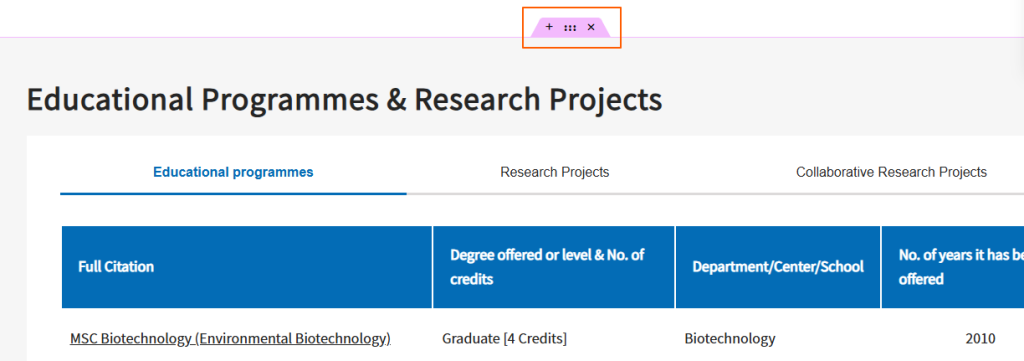
6. If you want to remove any section, click the “X” on that section.
7. After completing all changes, click the “Publish” button to make the profile live.