1. Navigate to Thematic Working Groups and click on “Add New Thematic Working Groups”
2. Enter the Post Title and a description

3. To add images, click on the “+” icon to open the widgets panel, then select and insert the image widget.
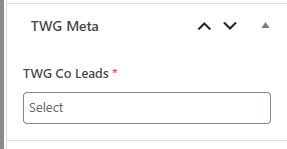
4. Select the Co-Leads from the right sidebar panel.
5. Add the Featured Image from the top right section.
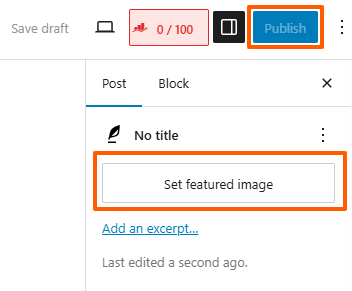
6. Click the Publish button to make the it live.