Follow the same steps as the previous one (Add Post).
1. Navigate to Governance and click on Add Governance.
1. From the right-side panel, select the Governance category and add the appropriate tag.
2. Enter the member details, including:
Position, Designation, University, Country and date (member joined date)
3. Add the member’s image as the Featured Image.
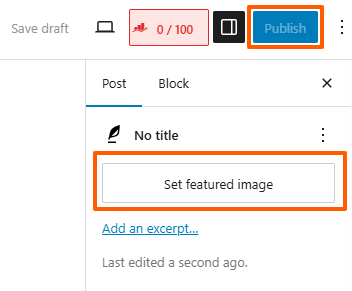
4. Click the Publish button to make it live.